here is a copy of the rotoscope
Tuesday, February 26, 2008

Tuesday, January 29, 2008
this walkthrough will show the process used to create the .gif animation below first thing that was needed was a few pictures using a special 4 picture camera i was able to get four pictures of of me hitting my self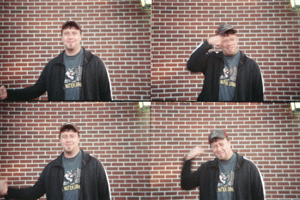
then to get a nice effect for our later versions i desaturated the colors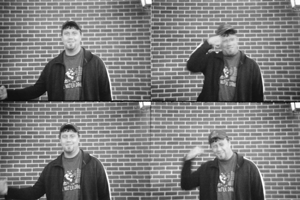
 then i tinted each layer which well help when i stylize it
 i then used different types of filters to created some interesting images
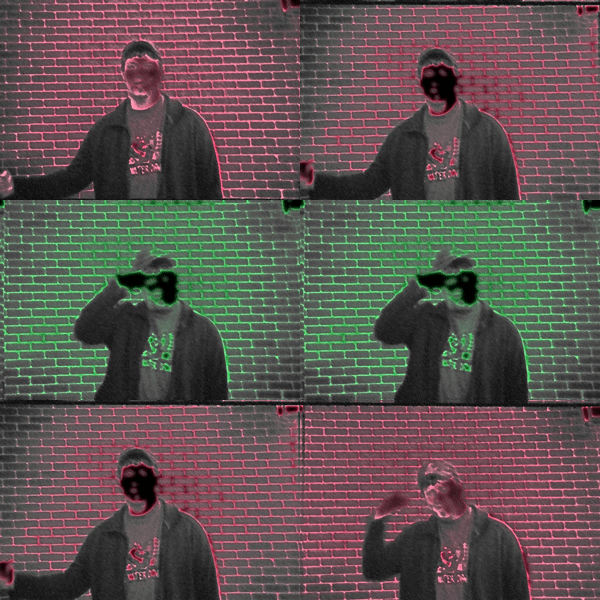 then i took the gifs converted them to quicktime movies that i then assembled with musice in final cut pro
then to get a nice effect for our later versions i desaturated the colors
then created a milti-layer photo in photo shop i used the animation feature to create a gif animation
then i tinted each layer which well help when i stylize iti then used different types of filters to created some interesting imagesthen i took the gifs converted them to quicktime movies that i then assembled with musice in final cut pro
Subscribe to:
Comments (Atom)